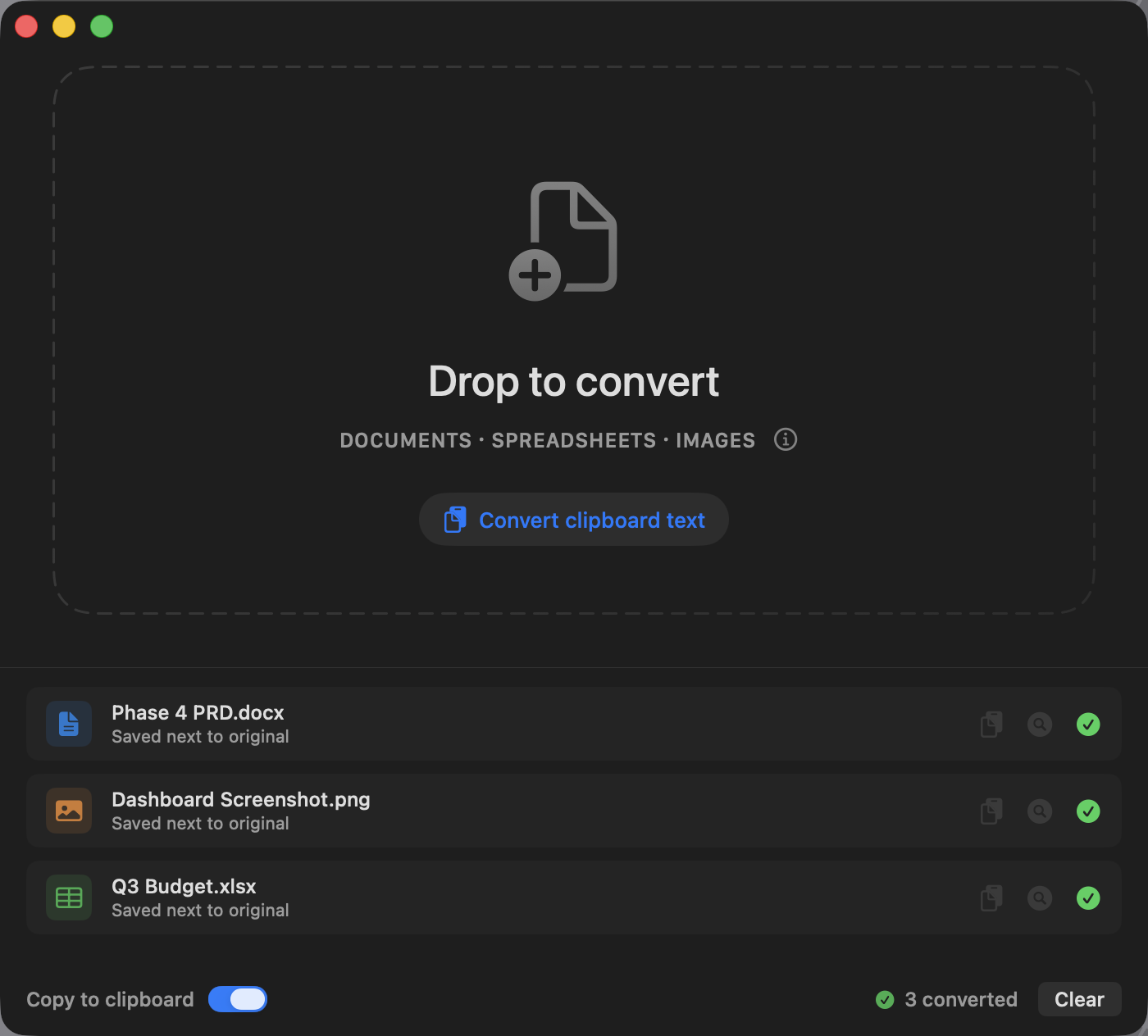
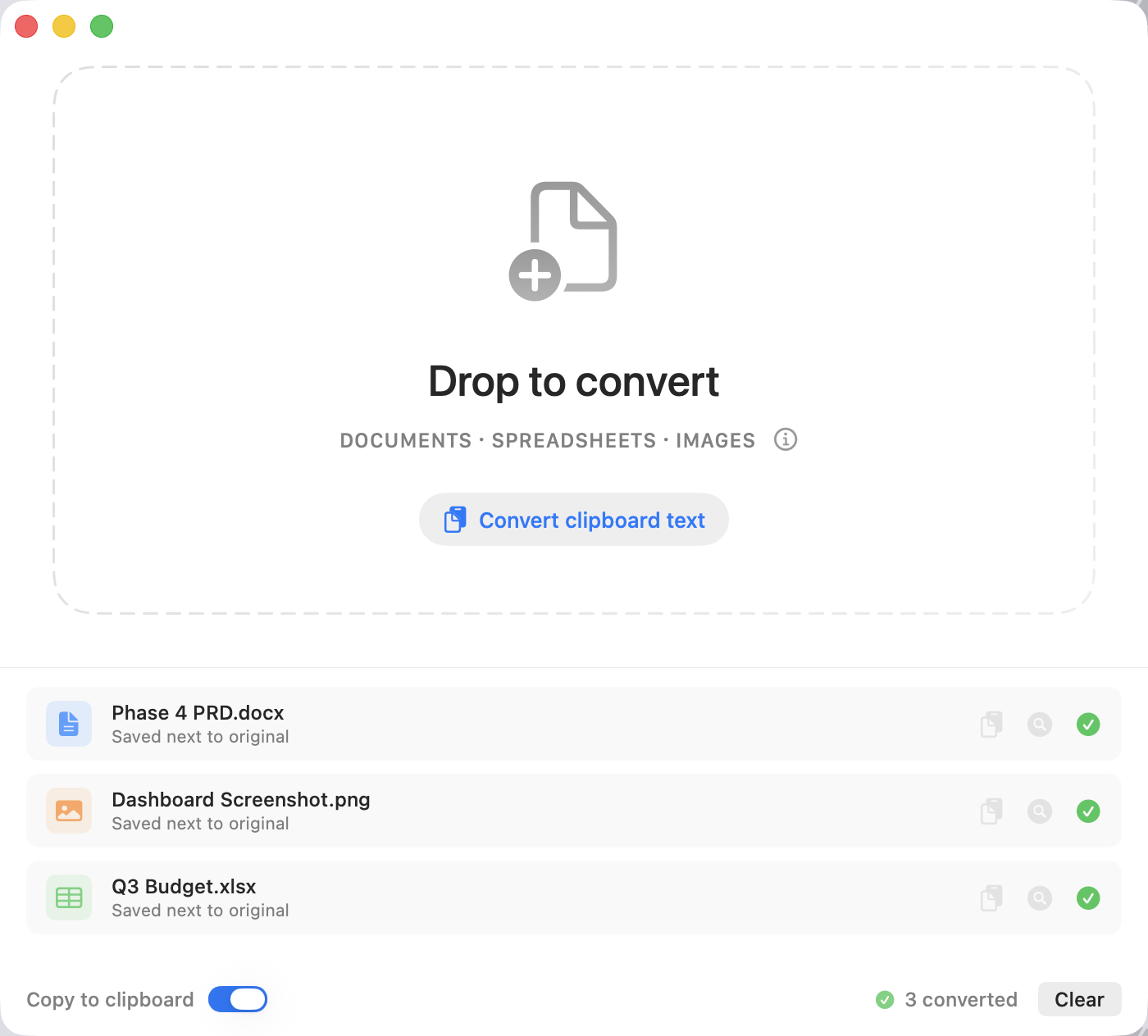
Markdown is the plain-text format that Obsidian, Bear, and Notion natively speak — and what AI tools like Claude and ChatGPT read and write fastest. Clean Markdown saves time and precious tokens.
Drag & drop
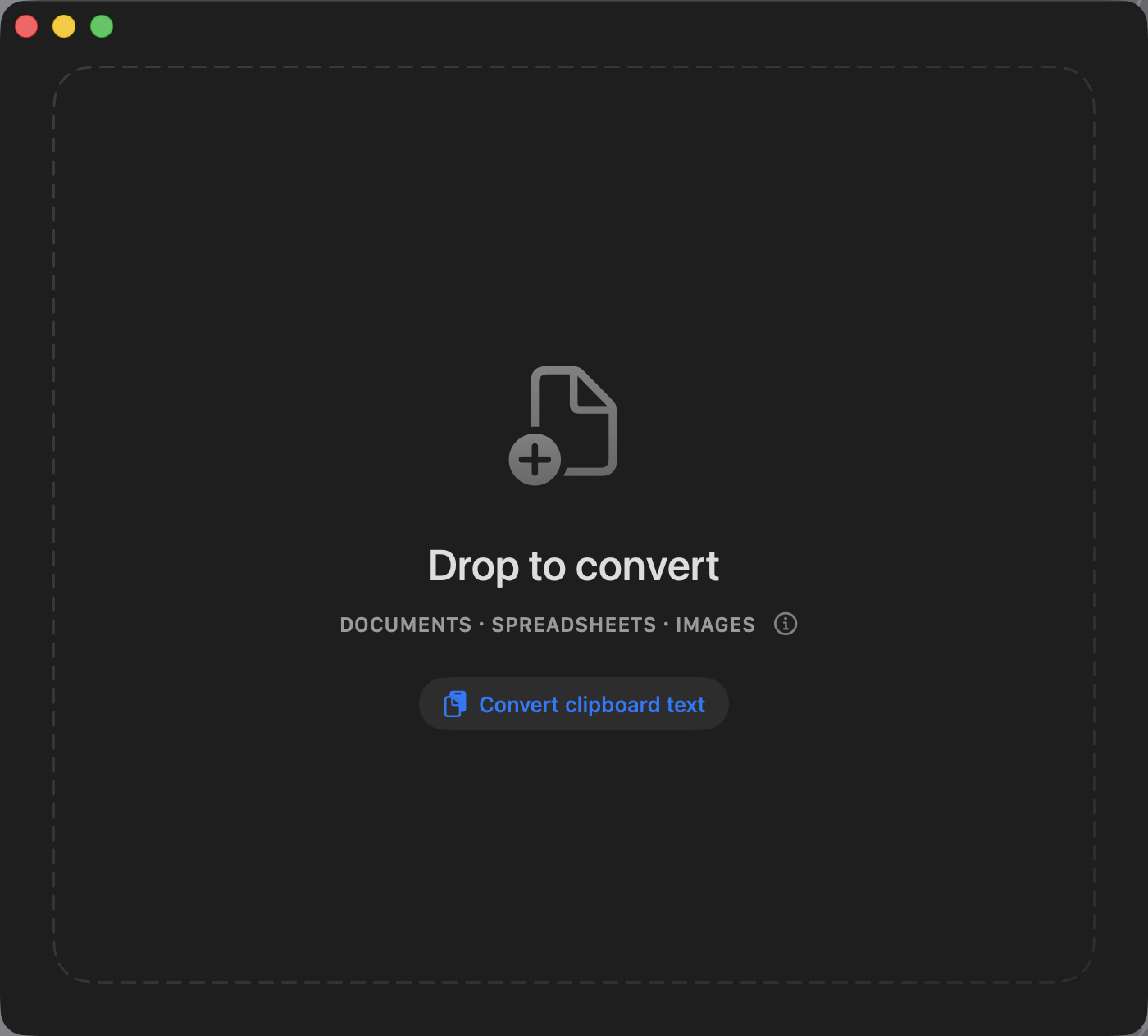
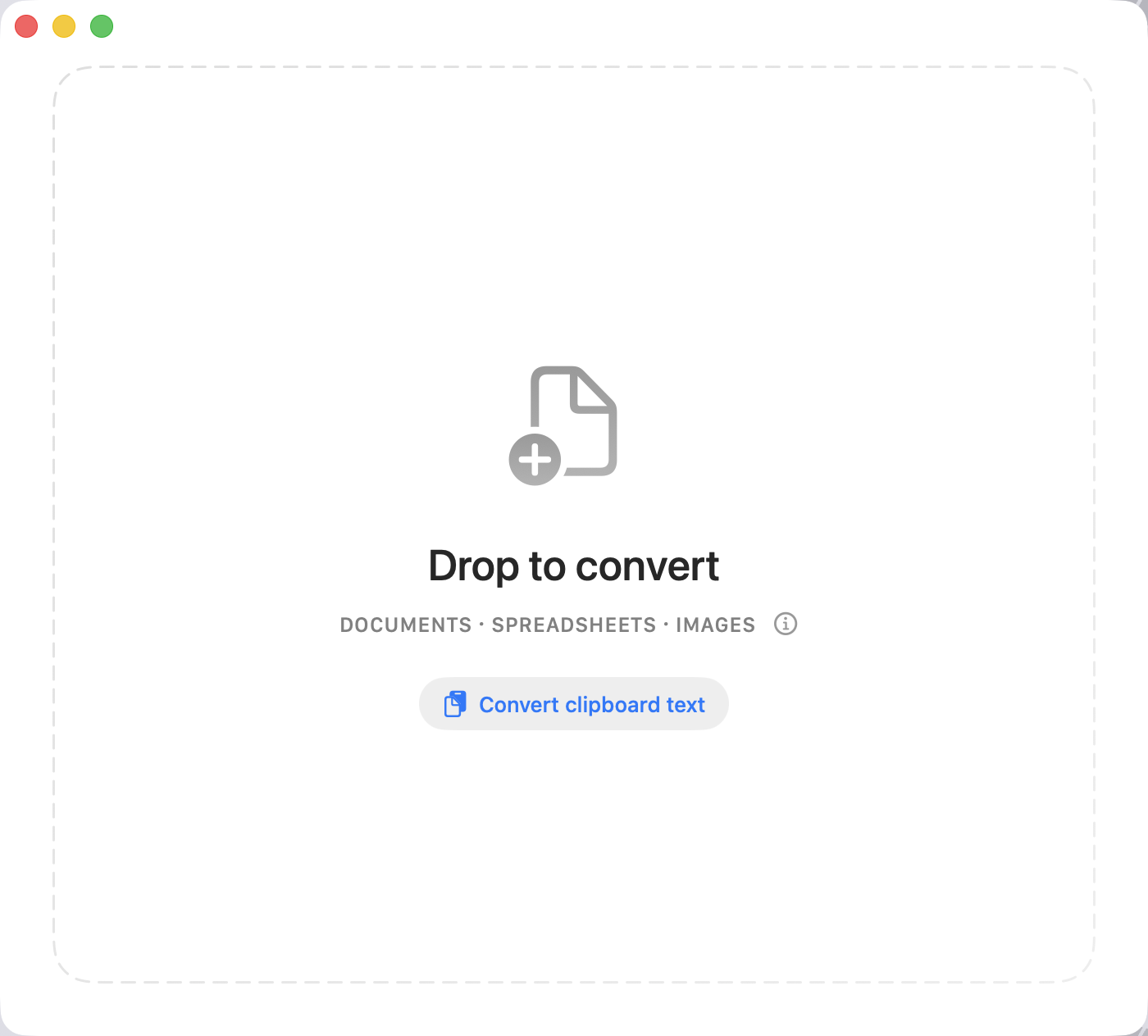
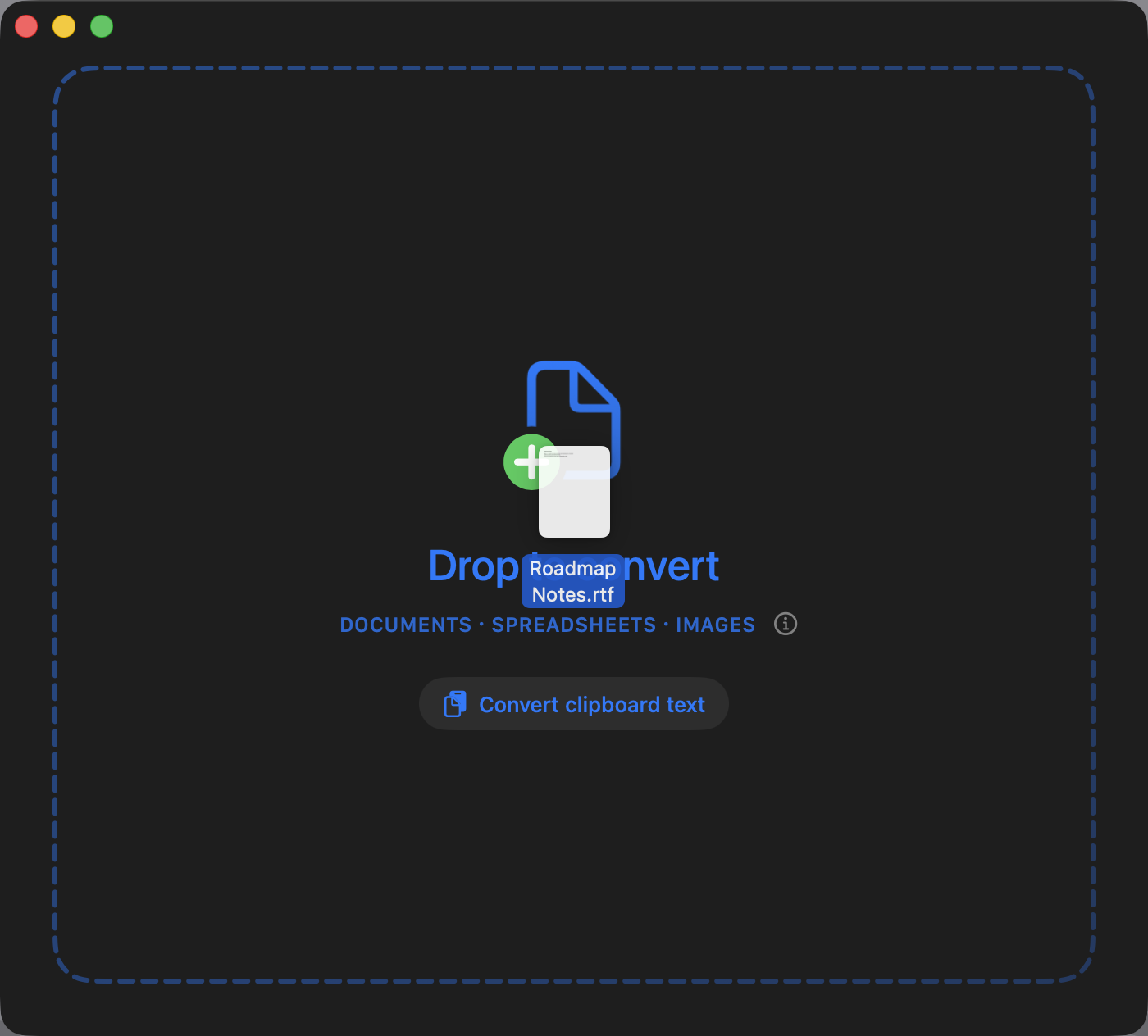
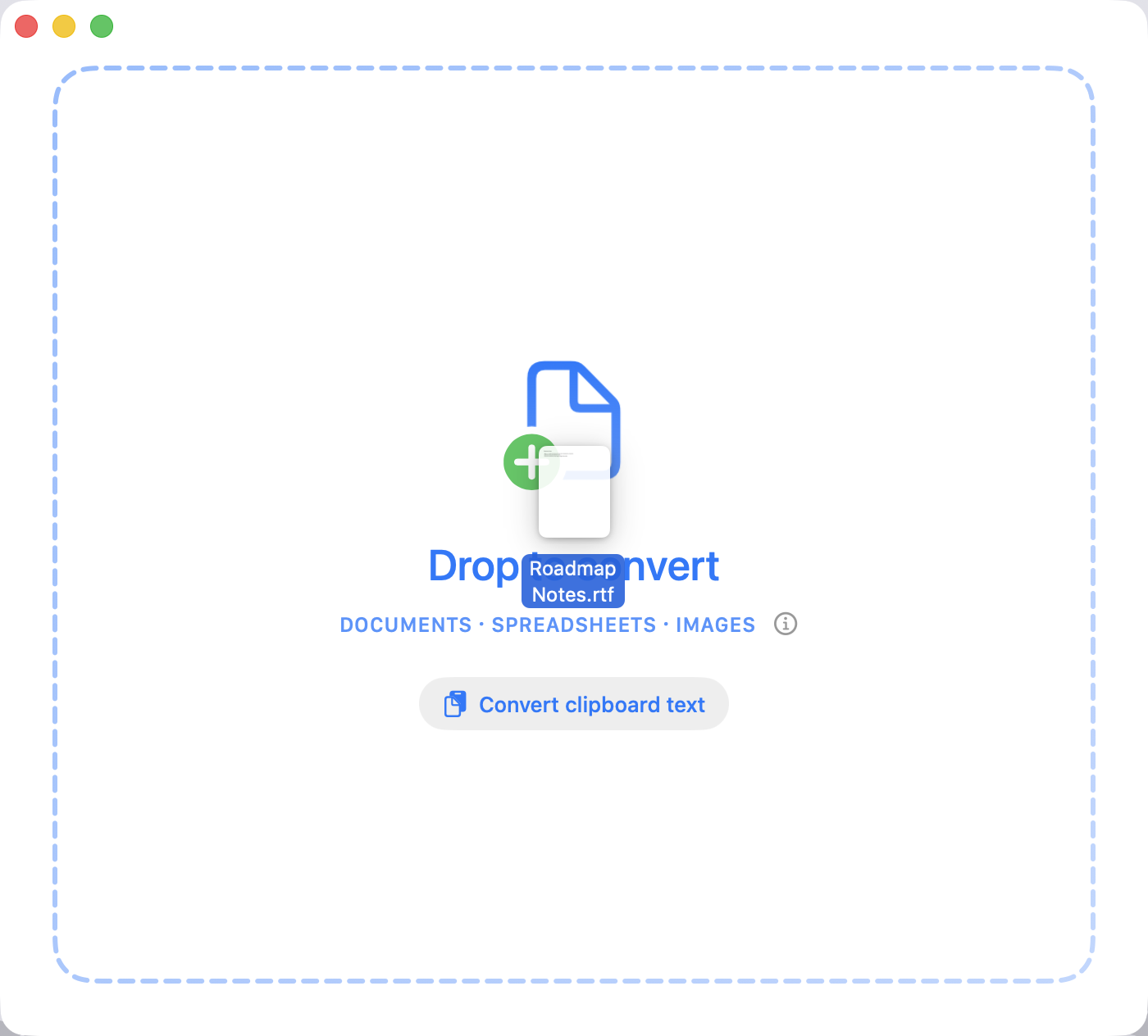
Drop files onto the window or use ⌘O. Drag in a whole folder and Markedly finds every supported file inside automatically. Converted files are saved right alongside your originals.
Fully local
No uploads, no accounts, no analytics. All conversions run on-device, so your files stay private and the app works without an internet connection.
Shortcuts & Services
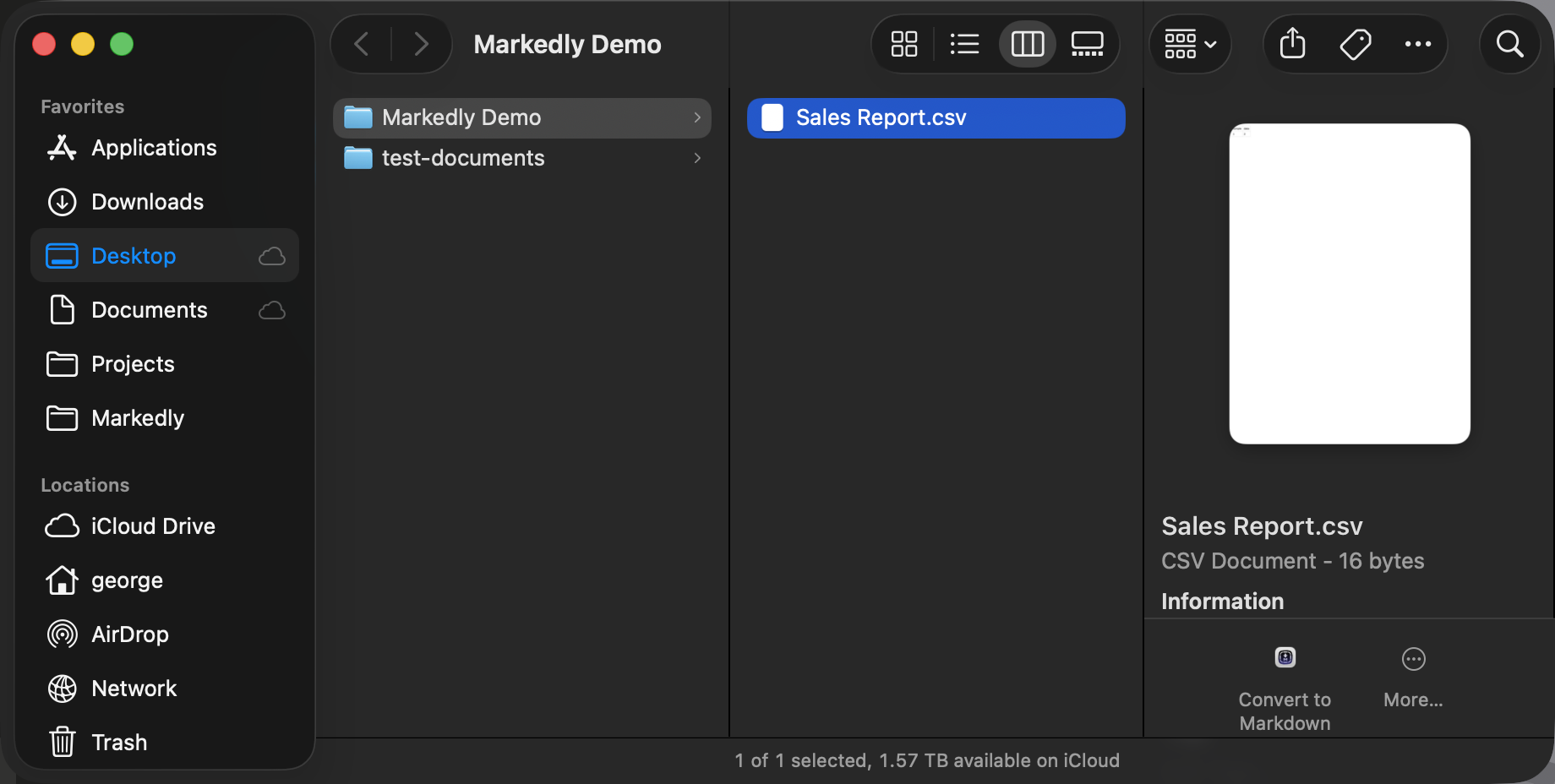
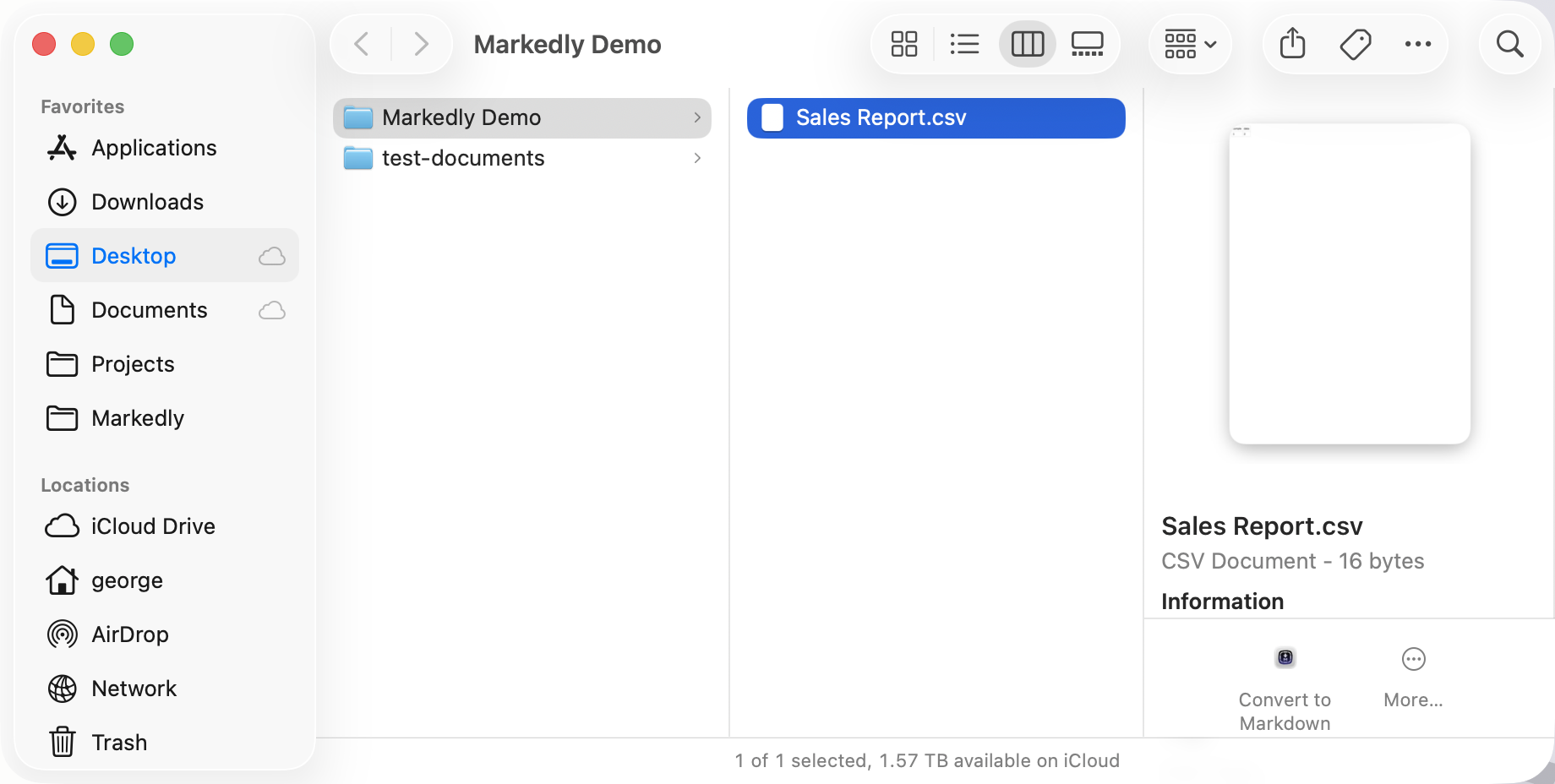
Convert files without opening the app. Works with the Shortcuts app for automations and the right-click Services menu in Finder for quick one-off conversions.
GitHub Flavored Markdown
Outputs GFM — the widely adopted standard that adds tables, strikethrough, task lists, and more on top of core Markdown. Natively supported by Obsidian, Notion, Bear, and most AI tools.
 Obsidian
 Bear
Bear Notion
 Claude
 ChatGPT
 Gemini
Supporting Friedreich’s Ataxia research
Markedly is free, and always will be. In place of a price tag, there’s a donation link to the Friedreich’s Ataxia Research Alliance (FARA) — a nonprofit funding research into a progressive neurological condition with no known cure that directly impacts my family. If Markedly saves you time, consider passing it forward.
Donate to FARAPrivacy Policy
Overview
Markedly is a file conversion tool for macOS that operates entirely on your local device.
Data Collection
Markedly does not:
- Collect any personal information
- Upload files to remote servers
- Track usage or analytics
- Require user accounts or sign-in
- Share data with third parties
All file conversions happen locally on your Mac. Nothing leaves your machine.
External Links
Markedly includes a menu item linking to the Friedreich’s Ataxia Research Alliance (FARA) donation page. This is an external website with its own privacy policy.
Contact
Questions about this privacy policy? Use the support link above.
Last updated: March 15, 2026
Why didn’t my Word document’s table convert?
Markedly reads the structure Word gives it, and Word’s own file format doesn’t hand over table structure the way it does for headings, bold text, or links. I flatten what I get rather than guess at a table’s shape. A real fix means writing a parser for Word’s raw format, which I’m considering for a future release.
Why does macOS ask for permission the first time I use certain features?
The first time Markedly needs to read a folder it doesn’t already have access to, or read your clipboard, macOS shows a one-time system prompt. That’s Apple’s sandboxing at work, not Markedly checking in on you. I never see what you approve.
Why isn’t legacy .xls supported?
.xls is a decades-old binary format, and reading it correctly means either paying for a commercial library or reverse-engineering it myself. Neither fits a free, zero-dependency app. Save it as .xlsx in Excel or Numbers first and it’ll convert cleanly.
Can I convert something without opening the app?
Yes, a few ways. Copy a file or some rich text to your clipboard, and Markedly will offer to convert it when you switch to the app. There’s also a Finder Quick Action (right-click any file or folder and choose “Convert to Markdown”), plus Shortcuts app support for automations.
Why does a converted file get blocked on my work Mac with a “can’t be verified” warning?
That’s your Mac’s security policy, not a problem with the file — it’s plain text. When Markedly saves a file, macOS’s sandbox tags it as coming from Markedly, similar to the tag a browser adds to anything you download. On a personal Mac that shows a prompt with an “Open Anyway” button. On a managed work Mac, IT often tightens that policy so the first prompt only offers “Move to Trash.” A few ways around it:
- Open the file from inside your editor (File → Open) instead of double-clicking it in Finder. That usually skips the check entirely, with no extra steps — the smoothest option if you convert often.
- Check System Settings → Privacy & Security, under Security, for an “Open Anyway” button after a blocked attempt. It’s usually there even on work Macs, but it clears one file at a time, so you’ll click it again for each newly converted file.
- Clear the tag yourself: open Terminal and run
xattr -d com.apple.quarantine "your-file.md"(drag the file into the Terminal window to fill in the path). Terminal isn’t sandboxed, so it can do what the app can’t — handy as a saved alias if you do this a lot. - If it keeps getting in your way, ask your IT team to allow Markedly. That’s the only permanent, system-wide fix in this situation.
Free on the
Mac App Store.
Everything runs locally. No account. No catch.